
Returns and replacements
Keep every RMA connected to the product and sale
QuickAccounts helps distributor teams trace a returned unit, verify its warranty context and coordinate a replacement without losing the original record.
- Free product demo
- Unlimited users
- Setup and team training included
Start from the returned product
Use the product or serial record as the starting point for a return inquiry, then review the related invoice and customer details.
Separate verification from resolution
Document the claim, confirm the relevant product history and move the case toward return, repair or replacement according to your business process.
Give service and sales the same context
Keep after-sales conversations grounded in the same stock, customer and invoice records used by the rest of the operation.
Inside the workflow
A practical record trail from stock to service.
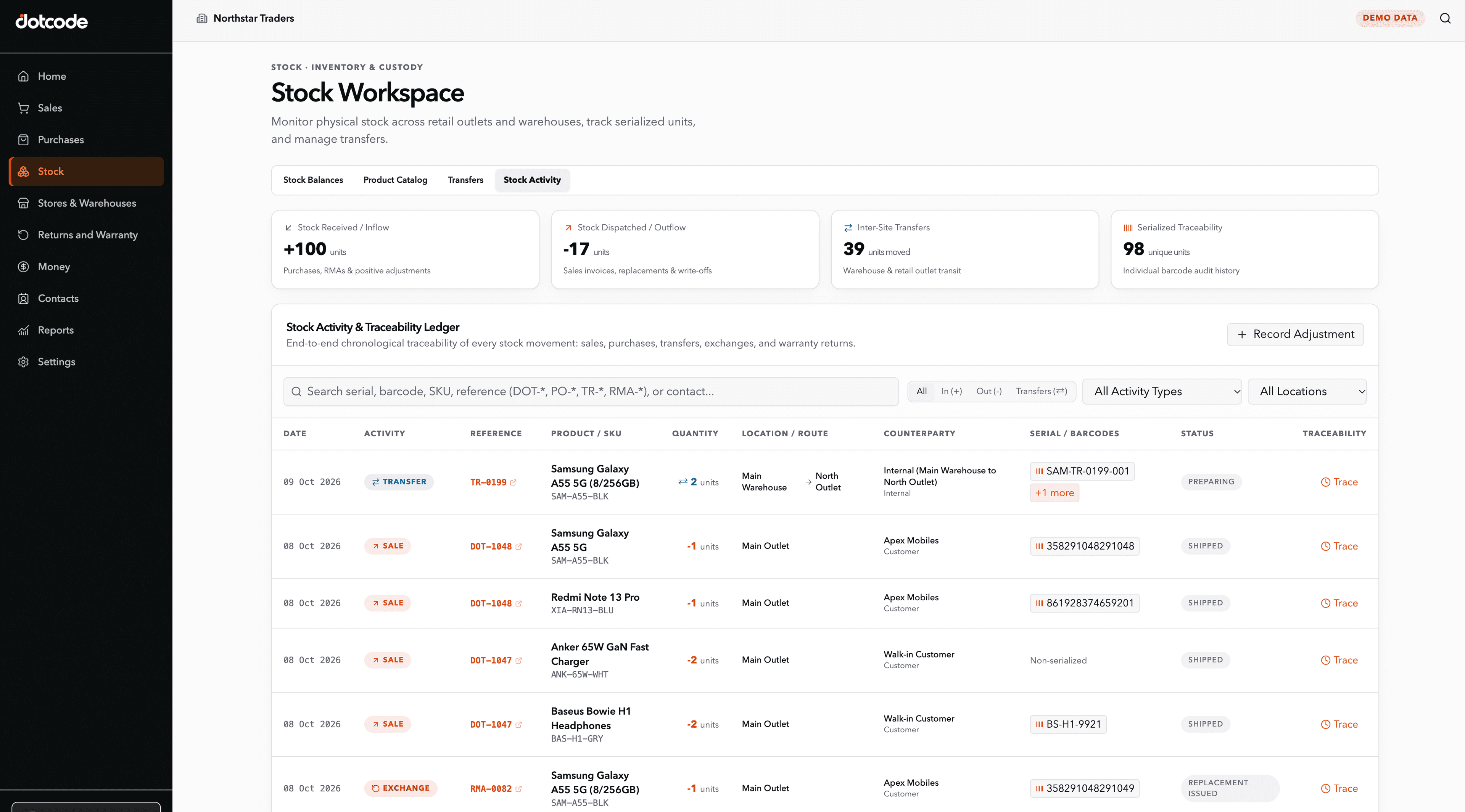
A distributor can receive a serialized product, sell it against a customer account, find the original invoice later, and review a warranty or RMA request without rebuilding the history from separate spreadsheets.
- Receive: Record products, quantities and serial numbers.
- Sell: Connect the item to the customer and invoice.
- Resolve: Verify warranty status and coordinate return or replacement.
See whether QuickAccounts fits your workflow
Talk through your current records, team needs and setup before choosing a license.
Frequently asked questions
Can RMA records be linked to serial numbers?
QuickAccounts supports workflows that connect serial records, invoices and warranty or return handling. Confirm your exact process in a demo.
Can we track replacements?
Replacement handling can be reviewed as part of the return and warranty workflow during your guided demo.